A professional email signature, ready for Outlook
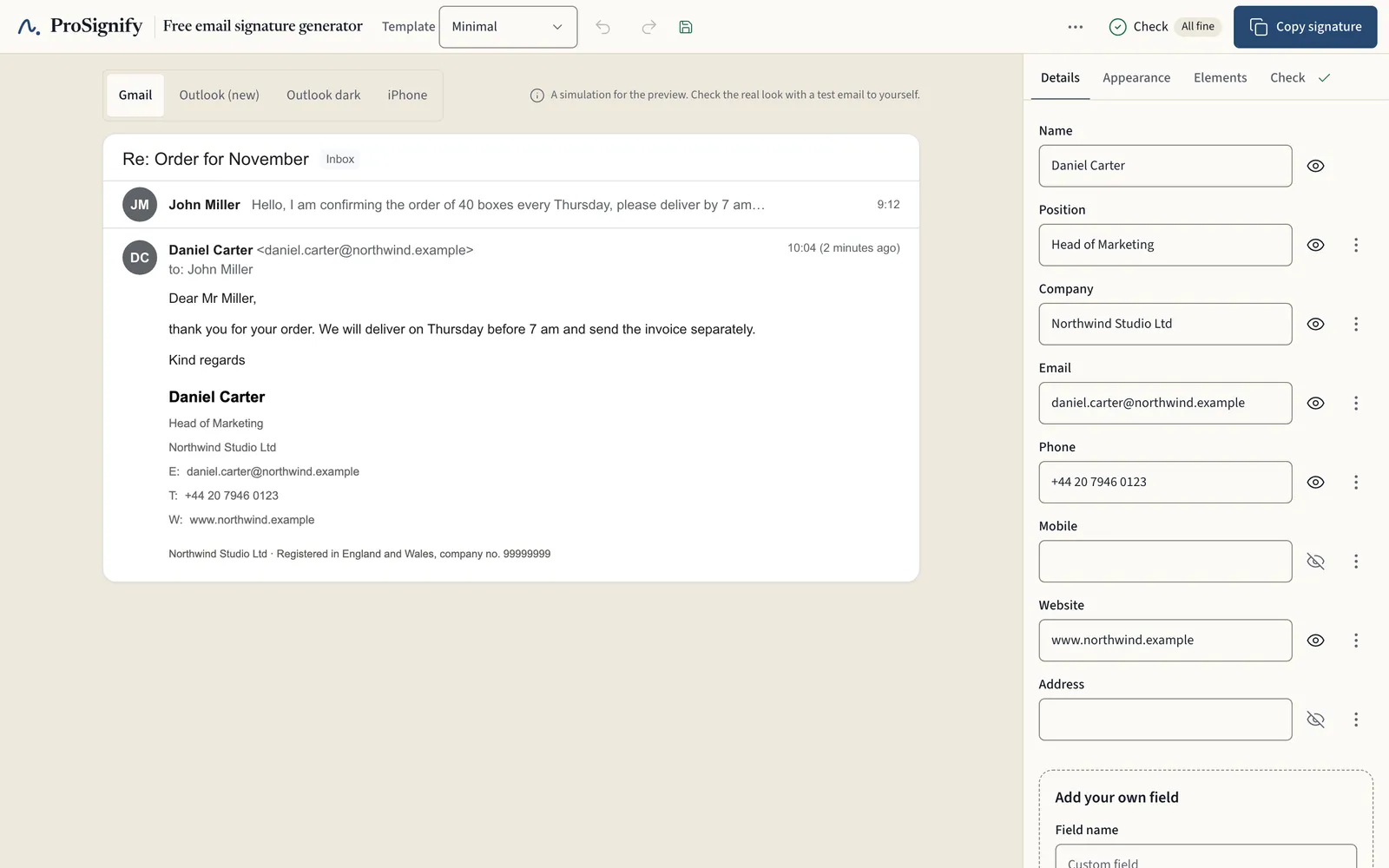
Enter your website and we read your company name, logo and colour from it; step-by-step instructions then show you how to add the signature in Outlook or Gmail, free and without registration.
 | Daniel Carter Head of Marketing · Northwind Studio Ltd +44 20 7946 0123
|
Northwind Studio Ltd · Registered in England and Wales, company no. 99999999 | |


Sample: the person, the company and its registration number are fictional.
How it works
You fill in your details, choose a look and copy the signature. Right after that we show you where to paste it in Outlook.
What we take care of
Outlook first
Step-by-step instructions for the new and the classic Outlook and for Gmail, checked against the official help pages.
Company details from the register
Our free tool puts together the company details your signature has to show: for Czech companies straight from the ARES register, for other countries with links to the law.
- Free beta
One look for the whole company
A company template with locked details: each colleague fills in only their name and contacts through a link, and when you change the address or logo, everyone gets the updated signature by email.
Templates
View templates- Classic with logoWith logo
- PortraitWith photo
- LineWith logo
- Colour bandBusiness
Frequently Asked Questions
Do you have more questions? Check out our complete FAQ or the setup guides.
How do I get my signature into Outlook?
I use a different email program. Will it work there too?
Will my signature work in all email clients?
Can I edit my signature later?
Can you design a signature for us?
Free for individuals
The generator, all templates, copying the signature and the guides are free for individuals, with no paid version. Only companies will pay, for managing everyone’s signatures in one place; see the planned prices.